Corevex / Human Input Engineering
Input Science
Every competitive action begins before the game responds. A hand moves. A switch crosses a threshold. A sensor measures displacement. A controller resolves direction. A signal enters the system. Input science is the study of making that chain feel direct, repeatable, readable, and natural.
00
Corevex approaches gaming mice, keyboards, controllers, and racing wheels as interfaces between human intention and digital action rather than isolated pieces of hardware.
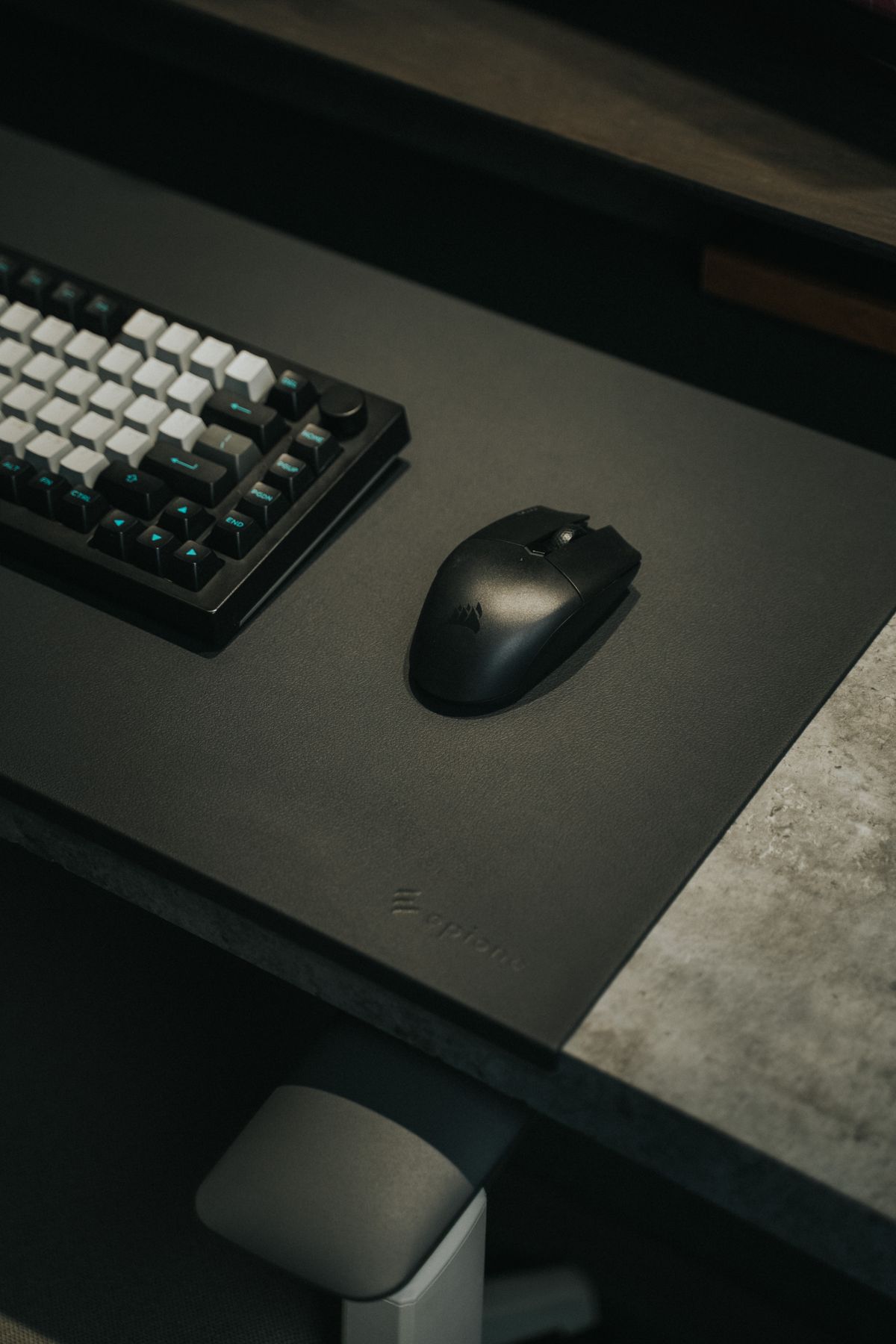
Motion
Detection
Transmission
Response
01 / Foundation
Input Begins With The Player
The most important component in an input system is not the sensor or switch. It is the human using it. Hand geometry, pressure, motion range, grip style, muscle memory, timing, fatigue, and context all shape whether a device feels fast or slow, controlled or unstable.
The Decision
Every input starts as a decision: move the crosshair, press an ability, steer into a corner, change direction, or communicate. Good hardware should preserve that intention with minimal ambiguity.
The Gesture
Fingers, wrist, arm, thumb, and foot create different motion patterns. Device geometry changes the leverage, distance, force, and stability required to complete them.
The Trigger
A click, keypress, trigger pull, stick movement, or wheel rotation must cross a physical or digital threshold before the system recognizes an action.
The Reading
Sensors and switches convert mechanical movement into measurable input. Consistency matters because predictable behavior builds reliable muscle memory.
The Signal
Once detected, the action must be processed and communicated through the device and operating system. The goal is a clean chain rather than a specification viewed in isolation.
The Confirmation
The player needs to understand that the action happened. Tactile feel, visual change, force feedback, sound, and in-game response close the loop and prepare the next decision.
02 / Signal Chain
Latency Is A Chain
Responsiveness is not defined by a single number. The perceived experience is created by multiple stages: the player's movement, device detection, local processing, transmission, system interpretation, rendering, and feedback. Optimizing one stage cannot erase instability elsewhere.
Human Motion
Physical movement begins before the device can measure anything. Grip stability and movement efficiency influence the initial action.
Detection
A sensor, switch, trigger, stick, or encoder detects that movement and converts it into electrical data.
Processing
The device interprets the event, applies its configured behavior, and prepares a usable signal.
Transport
The signal moves from the peripheral to the connected system through the available interface.
Game Logic
Software receives the input and integrates it into the current simulation, frame, or control state.
Feedback
Display, audio, vibration, and force feedback return the result to the player and complete the control loop.
03 / Signal Quality
Consistency Before Extremes
Extremely high specifications can be useful, but performance depends on how consistently the entire system behaves. Stable tracking, predictable actuation, clean centering, useful feedback, and dependable ergonomics often matter more than chasing a single maximum value.
Repeatability
A familiar movement should produce a familiar result. Repeatability is one of the foundations of useful muscle memory.
Control QualityStability
Tracking, buttons, sticks, switches, triggers, and physical mounting should behave without unnecessary variation during normal use.
Signal IntegrityPredictability
The player should understand what amount of movement or pressure will produce the intended action.
Muscle MemoryRecoverability
Fast play includes correction. Hardware should make small adjustments easy rather than punishing the player for every imperfect movement.
Fine ControlEndurance
A device that feels excellent for five minutes should remain controllable as the session becomes longer.
Sustained Play
04 / Mouse Science
Tracking Is More Than DPI
Mouse performance comes from the interaction between sensor behavior, physical shape, mass distribution, surface friction, button feel, grip stability, and the player's preferred movement scale. DPI is only one variable inside that system.
Sensor
The sensor measures surface movement. What matters is not only maximum capability but whether tracking remains stable, clean, and predictable through the movement patterns the player actually uses.
Sensitivity
Sensitivity defines the relationship between physical mouse movement and digital movement. Higher is not automatically better. The correct range depends on available space, game type, grip, and personal control.
Polling
Reporting frequency influences how often updated movement data can be communicated to the connected system. It should be understood together with device stability, system capability, and the rest of the latency chain.
Shape
Shape determines where the hand contacts the shell, how securely the device can be lifted or redirected, and how much tension is required to maintain control.
Weight
Weight influences acceleration, stopping effort, stability, and fatigue. The useful balance depends on movement style rather than a universal target.
Surface
Feet and desk mat interaction affect glide, initial movement, stopping feel, and micro-correction. The surface is part of the input system, not simply decoration.
05 / Keyboard Science
The Key Is A Threshold
Keyboard feel is the relationship between travel, force, actuation, reset, stability, layout, and the player's timing. Fast response only becomes useful when the user can control it consistently.
Distance
Travel determines how far the key moves through its mechanical range. Shorter movement can feel immediate while longer movement can provide more physical separation between states.
Pressure
Required force changes how easily a key is activated and how much effort the fingers accumulate across repeated movement.
Trigger
Actuation is the point at which key movement becomes an input event. A useful threshold should support the player's timing without creating accidental commands.
Recovery
Reset behavior matters when actions must be repeated quickly. The player needs a predictable point at which the key becomes ready for the next command.
06 / Interface Choice
Different Games Need Different Hands
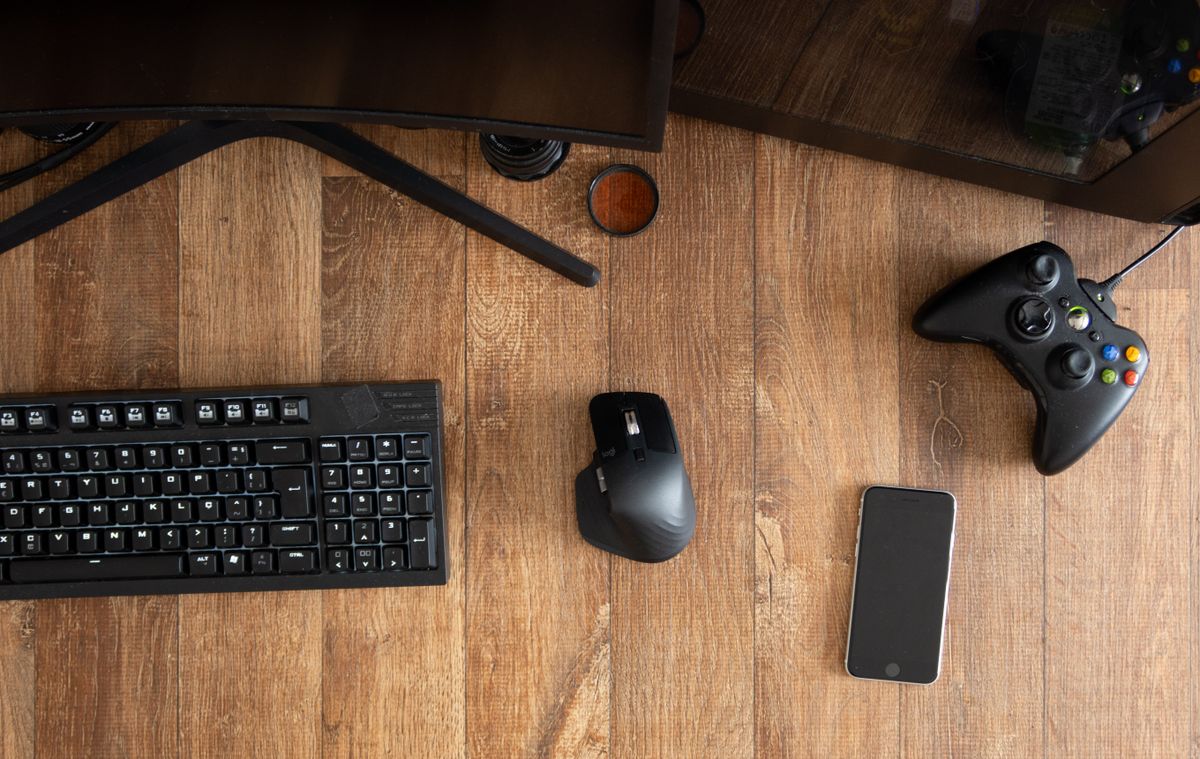
No single input method is ideal for every game. Mouse movement favors direct pointer control. Keyboards organize discrete commands. Controllers combine analog movement with compact reach. Racing wheels translate steering into a larger, physically expressive motion.
- 01 Choose the interface around the type of control the game demands rather than around a single specification.
- 02 Consider how much motion the player needs, how many commands must remain immediately accessible, and how quickly those commands must repeat.
- 03 Evaluate precision, comfort, feedback, and recoverability together instead of optimizing only for theoretical speed.
- 04 Treat the surrounding desk, chair, monitor position, and audio environment as part of the control system.
07 / Analog Control
Control Exists Between Zero And One
Controllers and racing systems introduce analog input: movement can contain magnitude, direction, pressure, and progression rather than a simple on or off state. That makes centering, range, resistance, and feedback fundamental parts of the experience.
Stick Centering
Neutral position should be understandable and stable so the player can transition from rest into controlled movement.
Neutral ControlDeadzone
Deadzone behavior affects the amount of initial movement required before an analog input becomes active. The useful setting balances stability and responsiveness.
Initial ResponseTrigger Range
Analog trigger travel creates a controllable range between rest and full activation for acceleration, braking, pressure-sensitive actions, and similar inputs.
Progressive InputWheel Rotation
Steering range changes the physical relationship between hand rotation and vehicle response. The correct range depends on simulation type, vehicle behavior, and player preference.
Steering ScaleForce Feedback
Physical feedback can communicate resistance, grip changes, surface information, and vehicle behavior. Useful feedback should add information rather than noise.
Physical Signal
08 / Human System
Ergonomics Is Performance Engineering
The body is part of every input loop. The relationship between hand position, arm angle, seating height, desk level, monitor position, and movement range can change how consistently the player controls the equipment.
Contact Geometry
Shell shape, key spacing, stick position, trigger reach, and grip surfaces define where the hand makes contact and how much tension is needed to maintain control.
Motion Geometry
Desk space and device placement influence whether movement comes primarily from the fingers, wrist, elbow, shoulder, or a combination of them. The setup should support the intended movement range.
Session Geometry
Chair height, desk height, monitor placement, and support points shape the physical environment around input. A stable environment reduces unnecessary adjustment during play.
09 / Micro Decisions
Small Variables Change The Feel
Input performance is often shaped by small interactions rather than dramatic features. The most useful questions focus on what changes during actual play and whether those changes help the player remain consistent.
Can You Start And Stop Exactly Where Intended?
Acceleration is only half of control. The ability to stop, reverse, and make small corrections is equally important for precise input.
Can You Predict The Trigger Point?
Buttons, keys, triggers, and sticks feel reliable when the player understands when the action will occur without constantly watching the hardware.
Can You Recover From A Small Error?
Good control systems allow precise correction. Overly unstable sensitivity, excessive resistance, or poor centering can make small errors larger.
Does The Device Still Feel Controlled Later?
A short first impression does not represent an entire session. Grip tension, force, reach, posture, and repetitive movement all become more meaningful over time.
Does The Input Match The Game?
Tactical aiming, action games, fighting games, driving simulation, strategy, and general play place different demands on movement and command density.
Does The Rest Of The Setup Support It?
Mouse space, keyboard position, monitor placement, desk stability, chair height, audio clarity, and cable organization can all influence the quality of the input experience.
10 / Selection Protocol
How Corevex Reads Input Gear
We prefer a systems-oriented view of input products. Specifications provide useful information, but they become meaningful only when connected to control, ergonomics, feedback, compatibility, and the way the equipment will actually be used.
Define The Use
Start with the game type, control requirements, movement scale, available desk space, preferred platform, and session length. Context decides which specifications deserve attention.
Read The Geometry
Evaluate shape, dimensions, button placement, key spacing, stick position, trigger reach, wheel diameter, and other contact points that determine how the body controls the device.
Read The Signal
Consider tracking behavior, actuation, centering, analog range, polling, connectivity, and feedback as parts of one complete input path.
Read The Feel
Tactility, resistance, glide, stability, pressure, vibration, and force feedback determine how much information returns to the player through physical contact.
Read The Session
Consider what happens after repeated use. A strong setup should remain predictable as movement accumulates and attention shifts fully toward the game.
Read The System
Input gear must work with the player's platform, monitor position, desk layout, seating, audio environment, and other equipment. The final experience is always systemic.
11 / Corevex Standard
Performance Beyond Hardware
A precise product experience should be supported by a clear store experience. Corevex pairs its performance-focused assortment with straightforward shipping, support, delivery, promotions, and return standards for U.S. customers.
24/7 Support
Customer support is available around the clock for product, order, and general store questions.
Always AvailableFree Shipping
All products ship free within supported U.S. delivery coverage.
All ProductsFast Delivery
Our standard delivery target is three to five business days.
3–5 Business DaysSelected Gear
Selected products may be offered at twenty percent off as part of focused Corevex gear promotions.
20% OffFree Returns
Eligible products can be returned or exchanged free within thirty days under our store standard.
Within 30 Days
Input Principle
The Best Input Device Does Not Make You Think About The Device. It Makes The Intended Action Easier To Repeat.
That is the center of Corevex Input Science: understand the player, understand the movement, understand the signal, and evaluate the equipment as a complete interface between intention and response.
12 / Questions
Input Science Explained
Key ideas behind gaming input performance, organized for quick reference.
What Does Input Science Mean At Corevex?
Input Science is our way of examining the complete
relationship between human movement and digital response.
It includes ergonomics, device geometry, sensors,
switches, analog controls, signal behavior,
physical feedback, and the surrounding gaming setup.
Is A Higher DPI Always Better For Gaming?
No single DPI value is automatically best for every player.
Useful sensitivity depends on the game,
available movement space, grip style,
desired control range, and personal preference.
Consistent tracking and controllable movement
are more important than chasing one maximum number.
Why Does Mouse Shape Matter?
Mouse shape changes how the fingers and palm contact
the shell, how securely the mouse can be redirected,
where pressure is applied, and how much tension
the hand needs to maintain during play.
What Makes A Gaming Keyboard Feel Responsive?
Responsiveness is influenced by the relationship
between key travel, actuation behavior, reset,
switch stability, force, device processing,
and the player's ability to control those characteristics
consistently during repeated actions.
What Is A Controller Deadzone?
A deadzone is a region of analog movement
where small stick or trigger changes may not yet
produce an active in-game response.
The useful balance depends on stability,
device behavior, game settings, and player preference.
Why Is Force Feedback Useful In Racing?
Force feedback can return physical information
through the wheel, helping communicate resistance,
steering behavior, surface changes,
and other simulation cues.
The most useful feedback adds information
without becoming distracting.
Does The Desk Affect Input Performance?
Yes. Desk size, height, stability,
surface area, monitor positioning,
and peripheral placement can influence
movement range, posture, equipment stability,
and the player's ability to maintain a consistent setup.
Does Corevex Provide Free Shipping?
Yes. Corevex provides free shipping on all products
within supported U.S. delivery coverage.
How Long Does Delivery Take?
The standard Corevex delivery target
is three to five business days.
What Is The Corevex Return Window?
Eligible products can be returned or exchanged
free within thirty days under the Corevex
store return standard.